
Description
The brand Pioneer dj
DJ Controller Buying Guide
Contact an expert
Our musician and enthusiast tele-consultants are here to answer all your questions.
Standalone dj controller
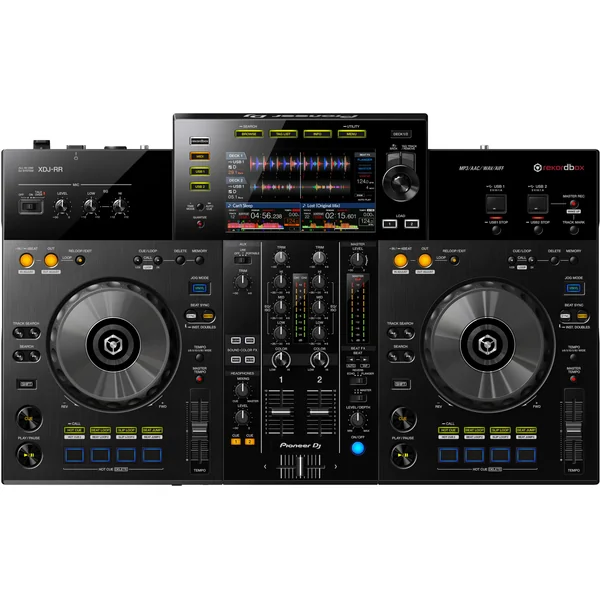
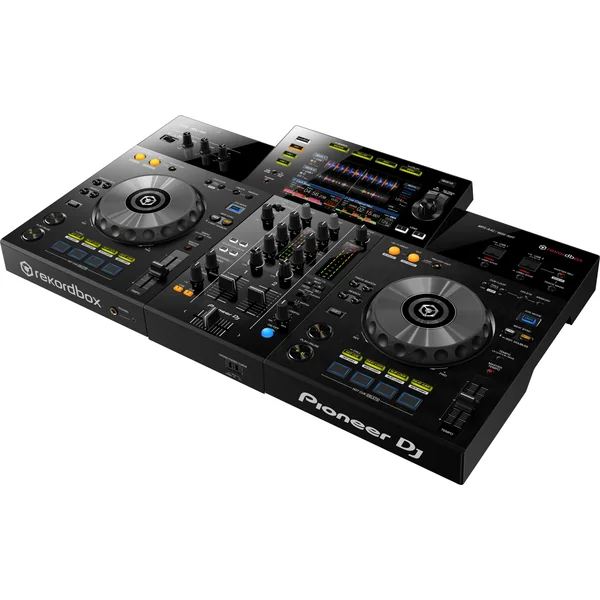
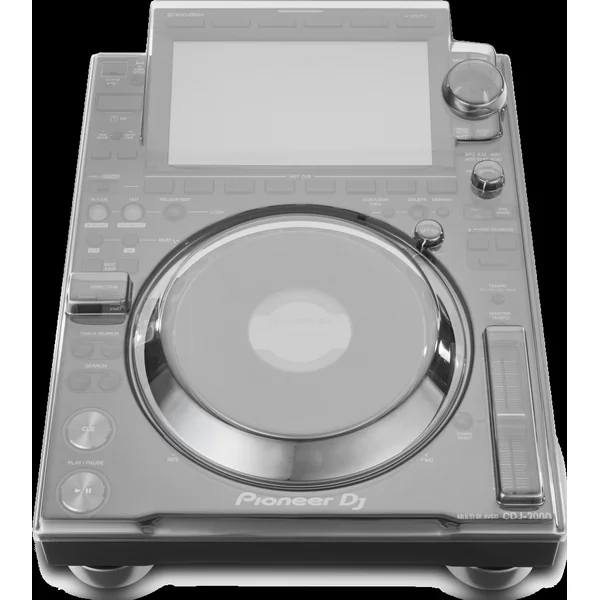
The XDJ-RR gives you maximum flexibility, so you can mix or practice any way you like.
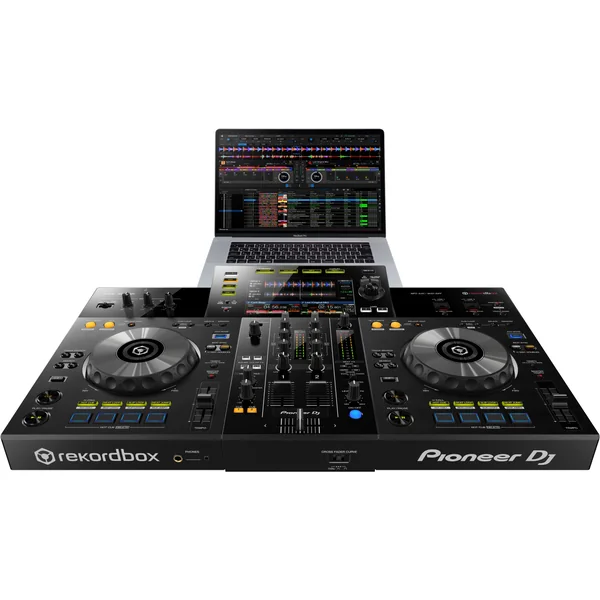
you want. It’s compatible with the professional performance application rekordbox dj (license included) but, if you don’t want to use a PC/Mac, you can export your music analyzed by rekordbox to USB sticks or external hard drives, then plug them into the controller and play tracks directly from these devices.
Unlock rekordbox’s performance features simply by connecting the device to your PC/Mac. And, if you’re a Creative subscriber, use Cloud Library Sync to seamlessly manage your library across multiple devices, and easily create customized versions of your tracks in edit mode.
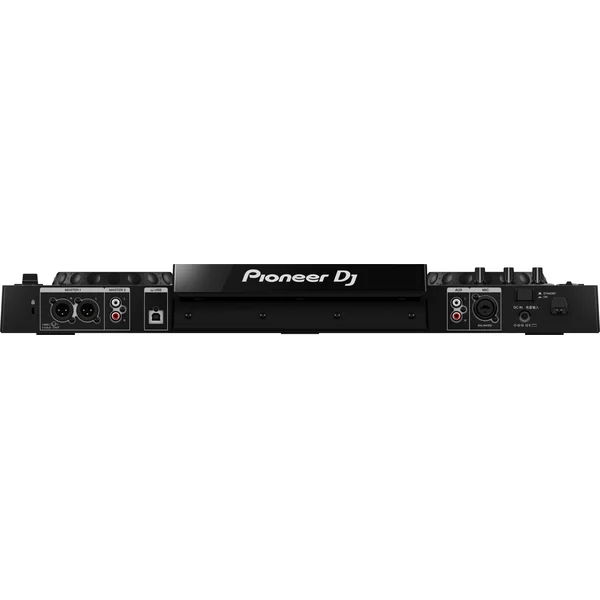
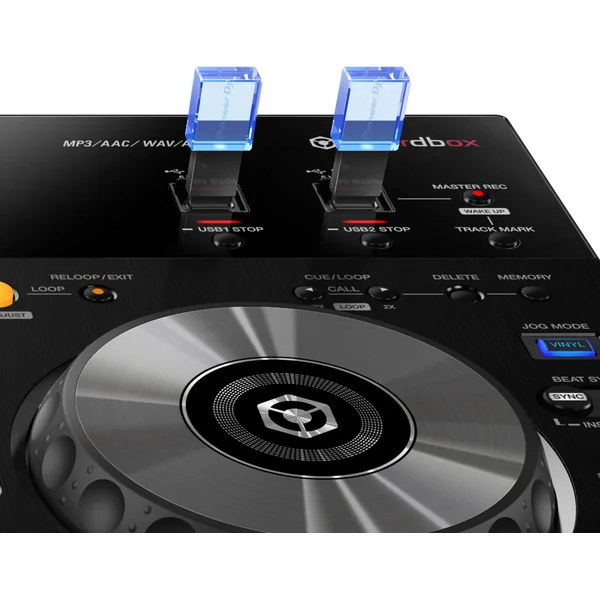
– Dual USB-A and single USB-B ports
Connect your PC/Mac to the USB-B port on the back of the XDJ-RR, and plug external memory sticks or hard drives into the two USB-A ports on the front of the XDJ-RR.
to the two USB-A ports on the top of the device, for perfectly smooth transitions.
– 7-inch color display
Find and select your tracks quickly and intuitively on the 7″ color screen, thanks to the intuitive interface and large, easy-to-read display.
intuitive interface and large rotary selector borrowed from the CDJ-2000NXS2 multi-format player. A
quick visual cueing to track details, such as playback position, BPM and waveforms, lets you mix and scratch with greater precision.
– Performance controls
Enrich your sets with dedicated performance controls:
Hot Cues – mark various points in your tracks, then launch your songs directly
from these points by pressing the Hot Cue pads. Create live remixes by launching Hot Cues in single
Hot Cues into single sequences.
Beat Loop – create a loop from a section of a song, and the XDJ-RR automatically
automatically sets the loop exit point according to BPM. You can cut loops
loops live to add even more creativity to your sets.
Slip Loop – activate Slip Loop and tracks continue silently while you scratch
or use other performance functions. And when you’re ready to restart the song, it resumes at exactly the right moment.
at exactly the right moment.
Beat Jump – easily change the way a song develops by directly advancing or
forward or backward by the number of beats of your choice.
Avis
Il n’y a pas encore d’avis.